AISS · Üsküdar University
Join the Club.
Your next project starts with a community. Complete your official club membership through the university's SKS system.
Option 1 · On your phone
Use the Üsküdar Uni app
- 01
Open Üsküdar Uni
Sign in to the university app on iPhone or Android. Open Quick Menu and choose SKS.
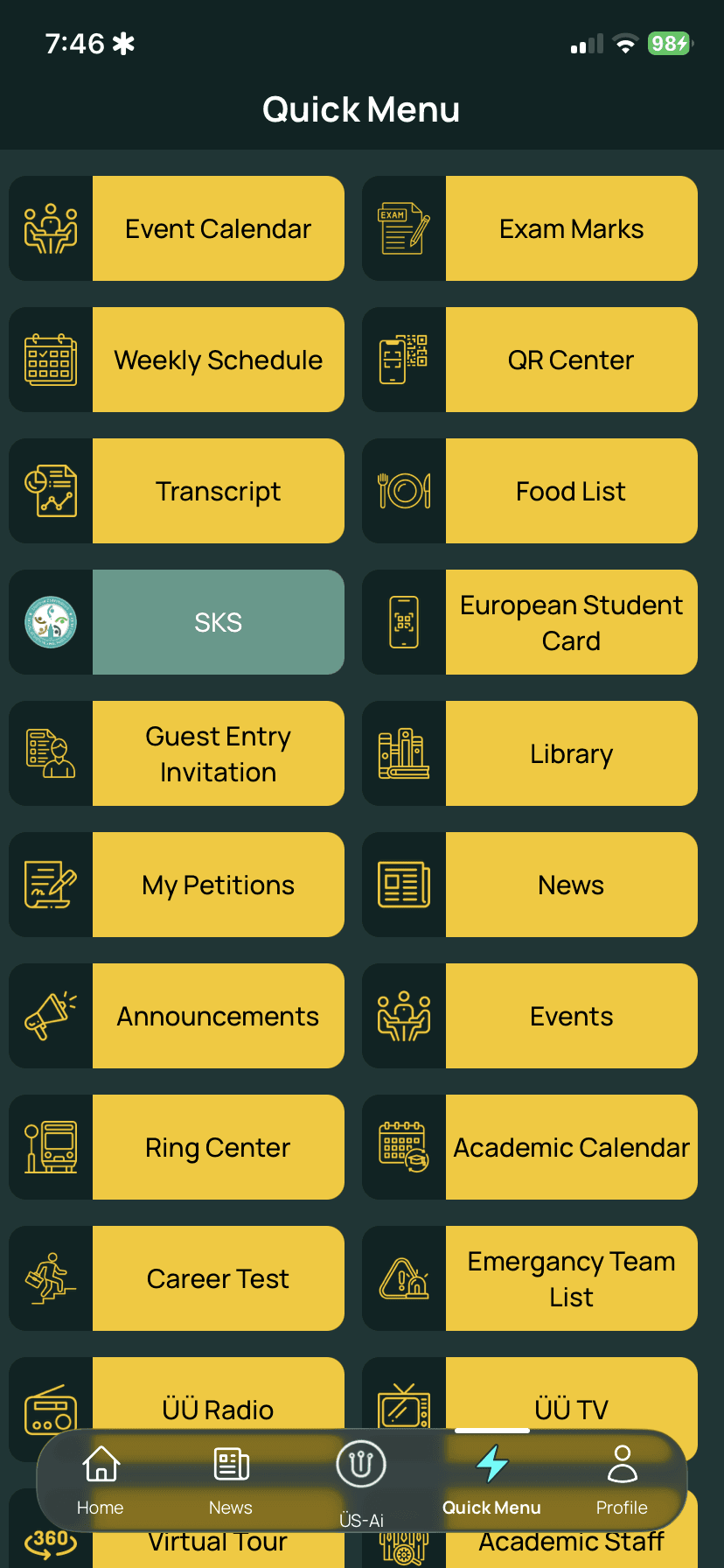
Quick Menu → SKS Tap the image to enlarge. - 02
Find our club
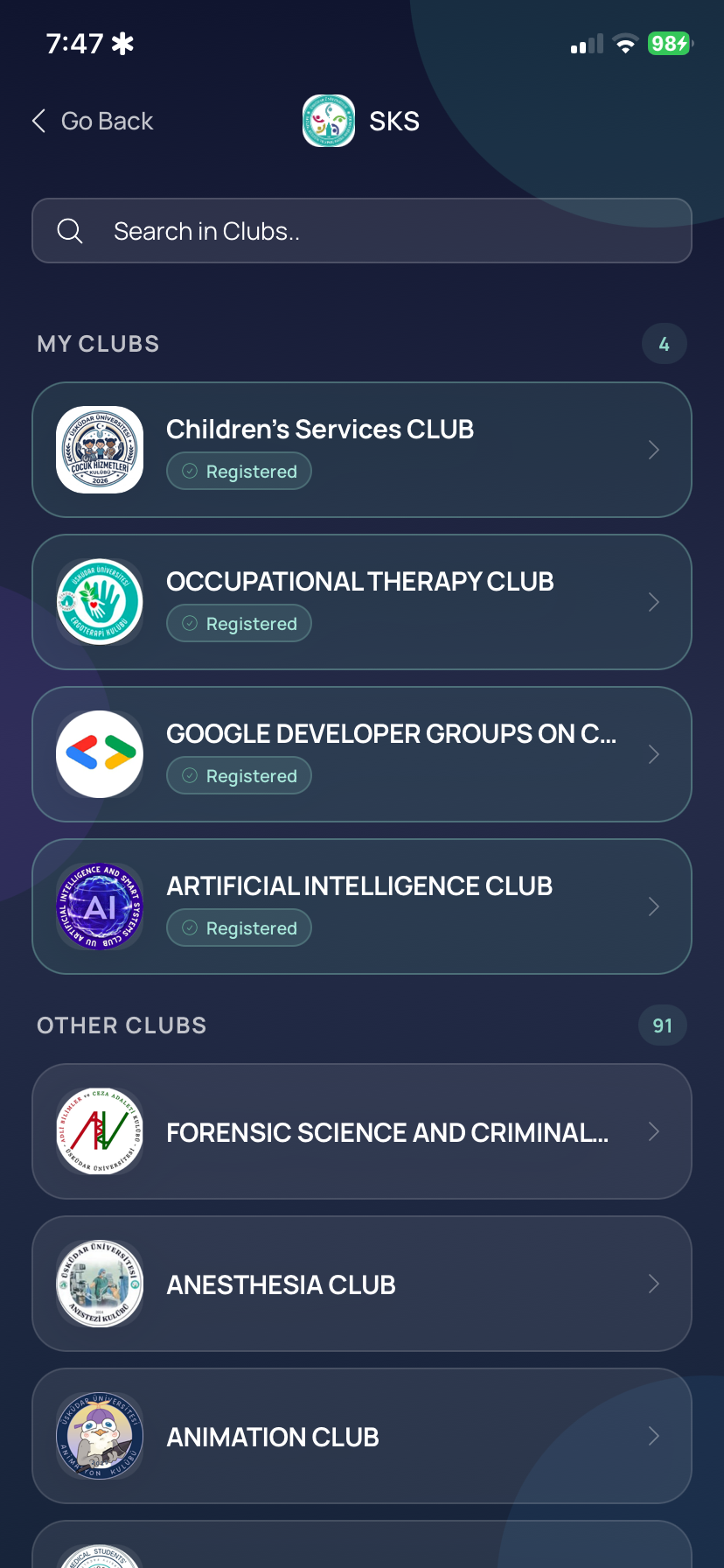
In Search in Clubs, try Yapay Zeka Kulübü or AISS. Look for Artificial Intelligence Club and our purple AI logo.
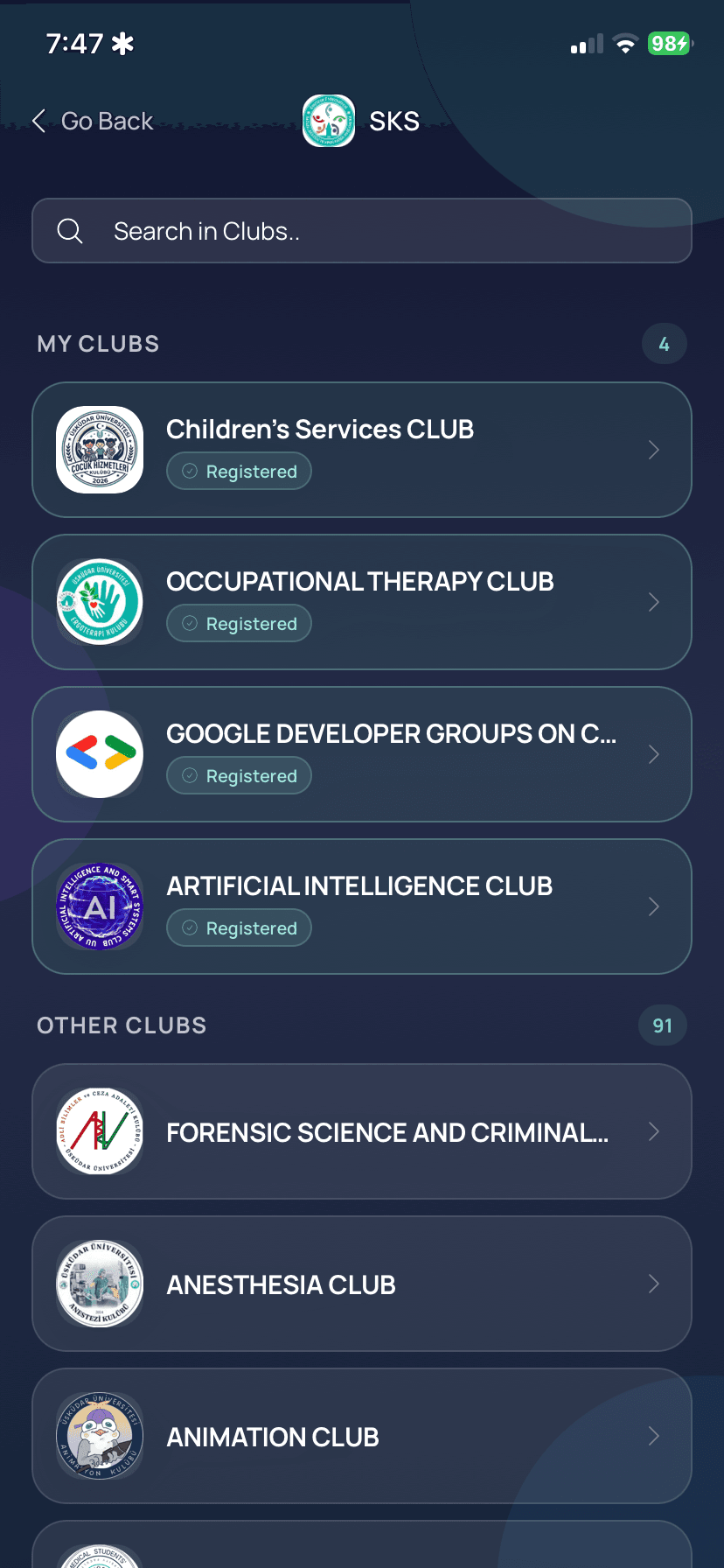
Our club appears under My Clubs after joining. Tap the image to enlarge. - 03
Tap Join
Open the club and tap Join. Follow any university prompts. Check for Registered or the club appearing in My Clubs to confirm.
Welcome to AISS.
Want to build with us? After joining, introduce yourself to the team and tell us what you'd like to work on.
Official membership is completed in SKS.
Option 2 · In your browser
Join on the SKS website
- 1. Open Öğrenci Kulüpleri ↗.
- 2. Search for Yapay Zeka Kulübü. If browsing the numbered pages, check page 5; the list order may change.
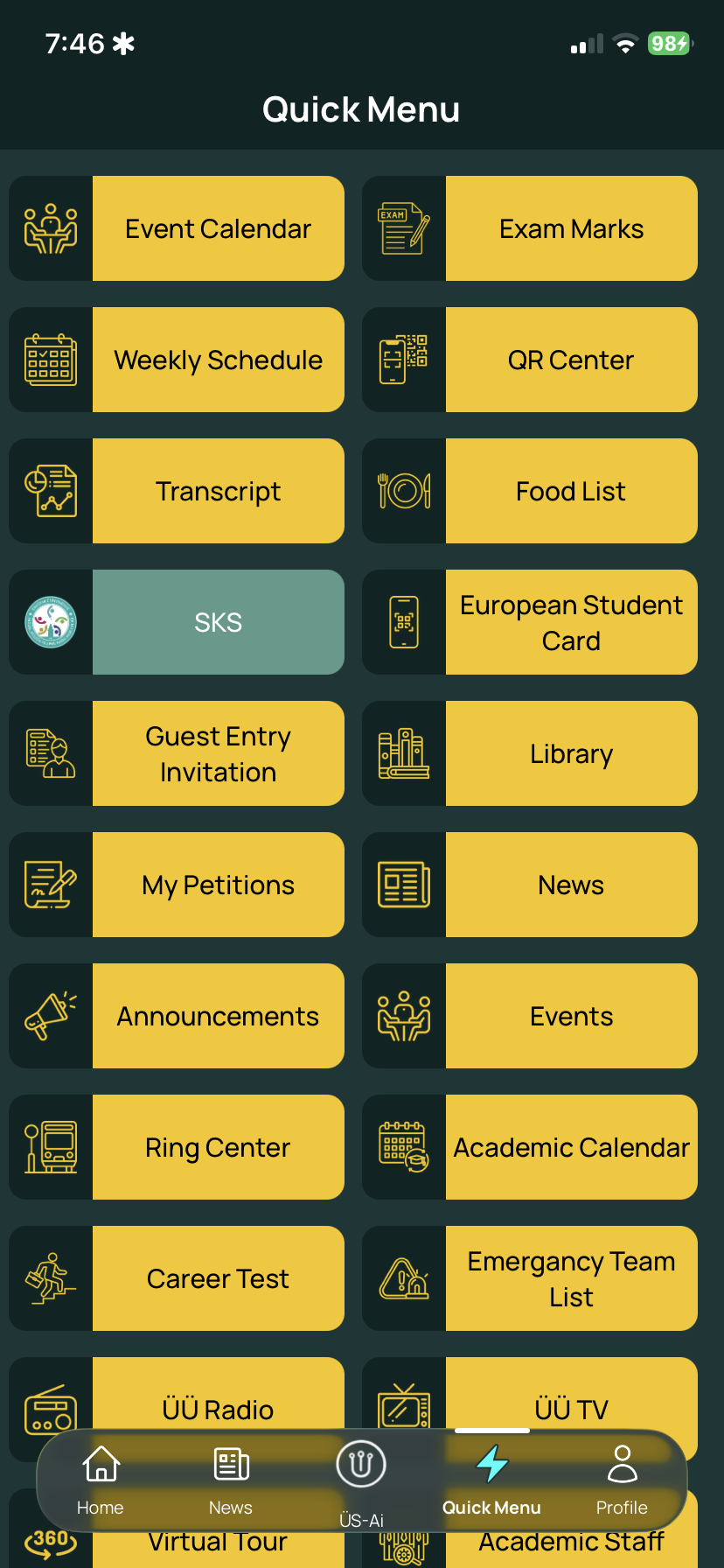
- 3. Open our club and complete the official member form. The university may request your student number, university email and university password.
- 4. Read the university's information notice, tick the required consent and press Sign Up / Katıl.